
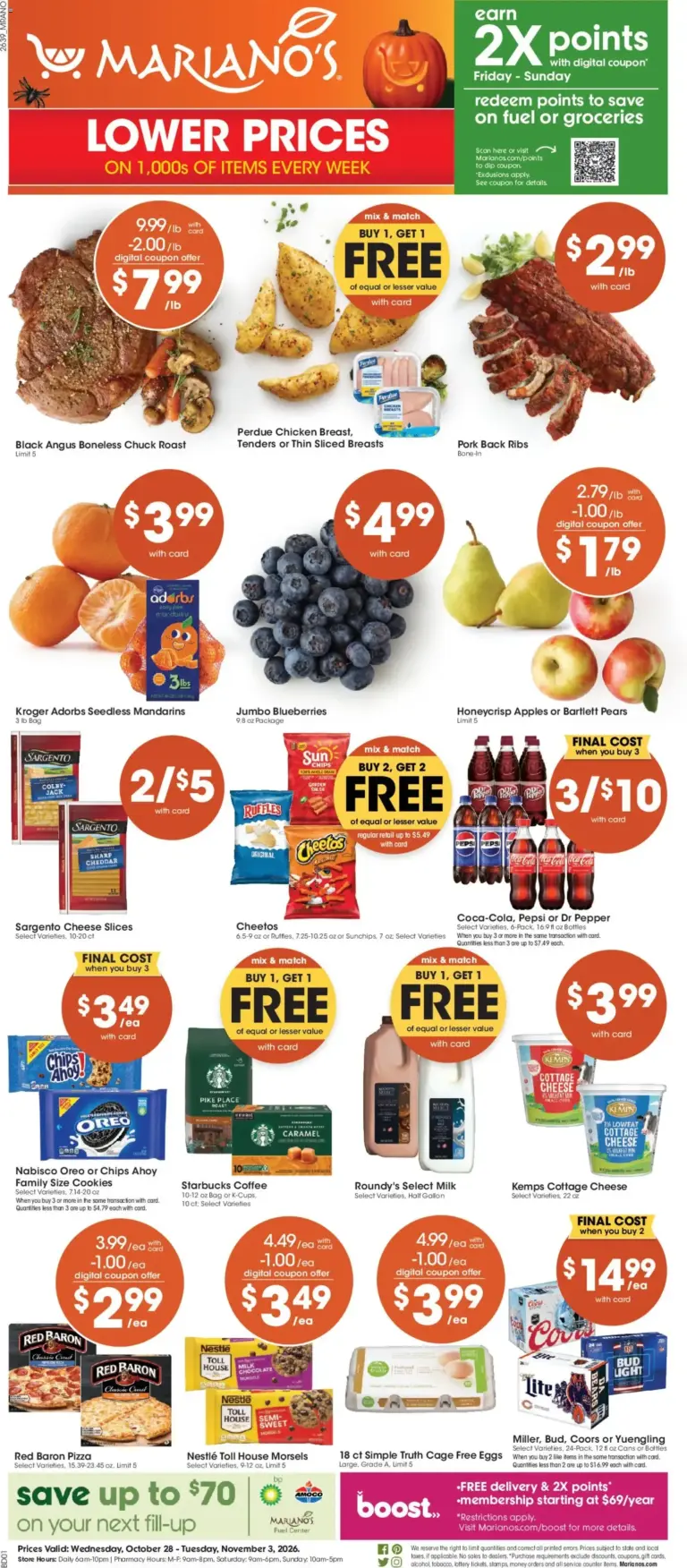
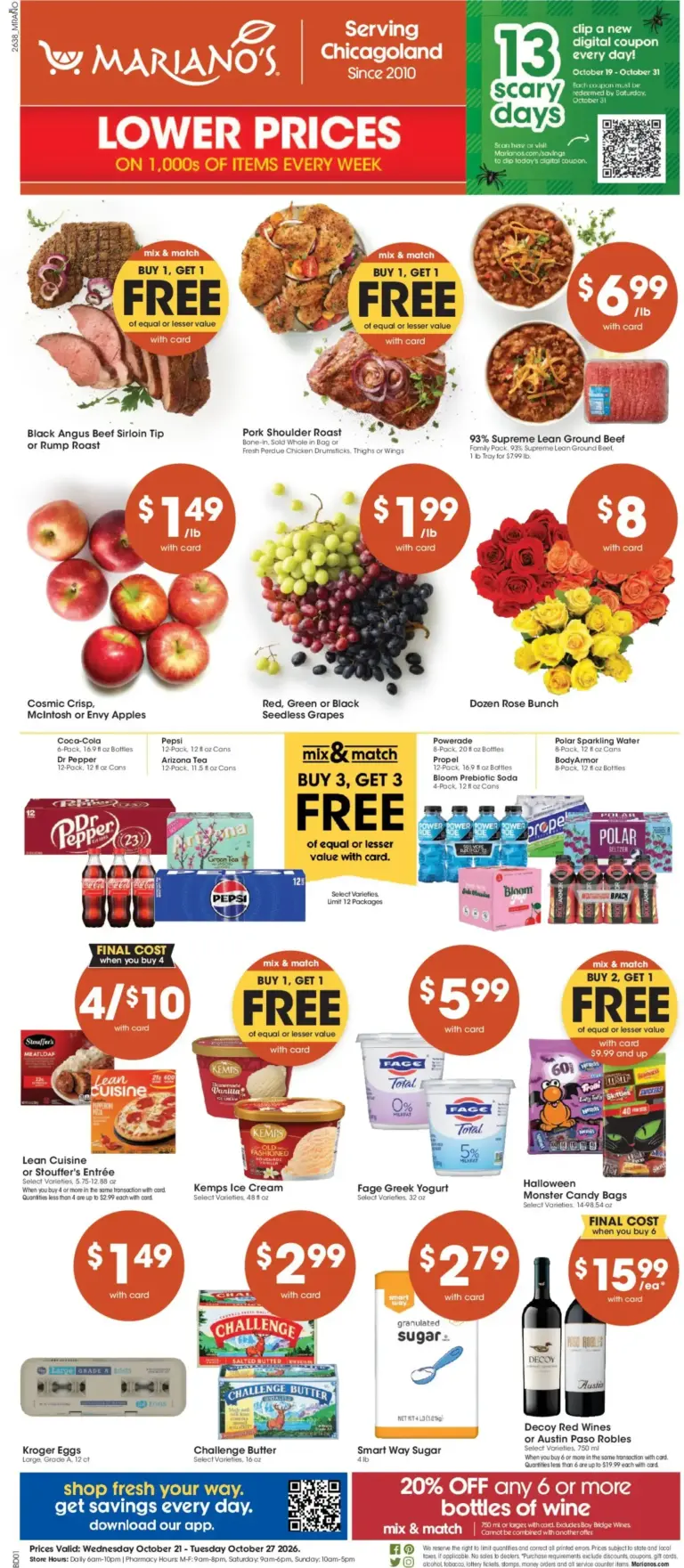
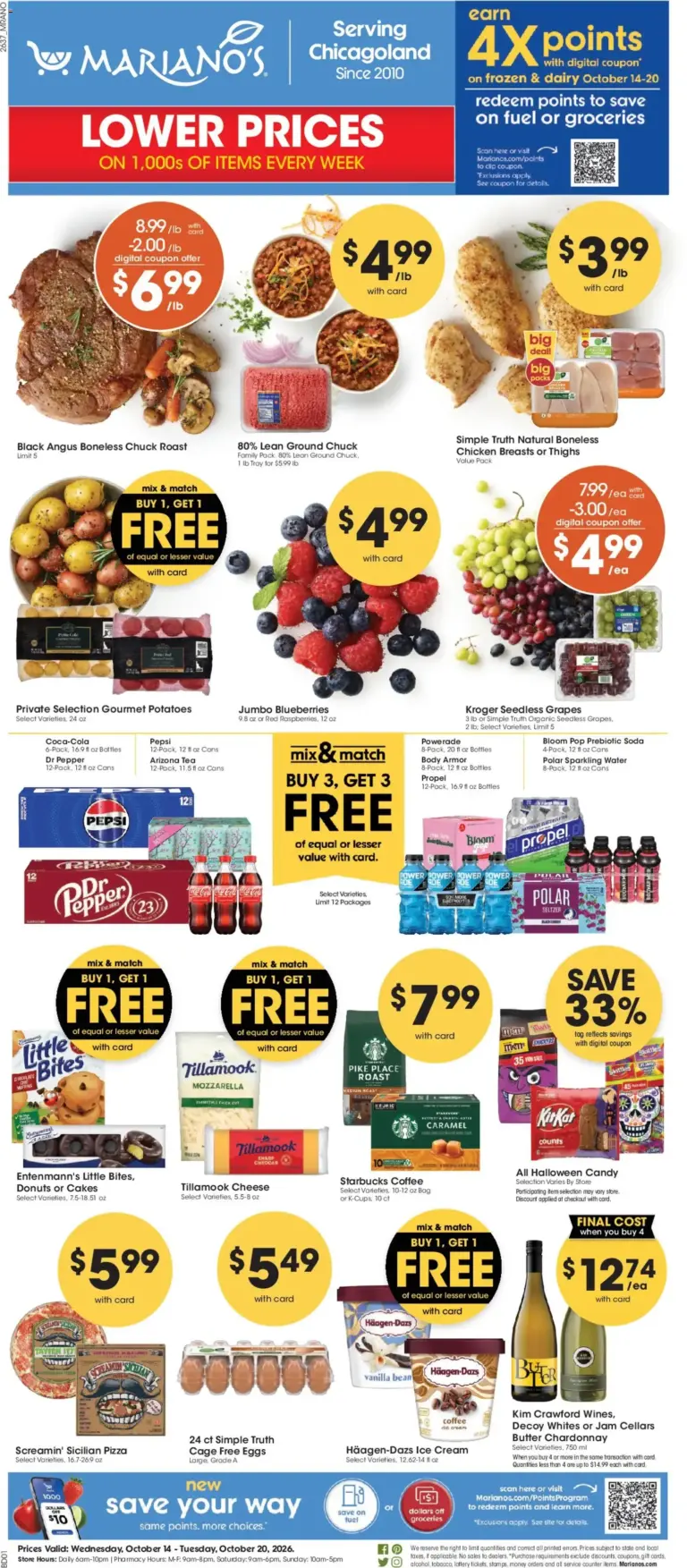
A good Mariano’s trip starts with a menu, not a cart. Use the dated flyers collected here to spot ingredients for breakfast, lunches, dinners, and a few easy backup meals. Then organize the list in the order you shop: produce first, proteins and deli next, followed by dairy, pantry, frozen, bakery, and household needs.
Start with Dinners, Then Shop by Department
Before reading every page, choose two or three meals that share ingredients. A roasted chicken dinner can lead to sandwiches or salad lunches. Pasta night may use produce, a sauce, cheese, and a frozen vegetable. Building around overlap can make the Mariano’s weekly ad more useful than chasing unrelated specials.
As you browse, write each meal beside the department where its key ingredient belongs. This keeps the list practical when the flyer moves from a front-page feature to dairy, pantry, or frozen items. It also makes substitutions easier if a particular size, flavor, or cut is unavailable.
Read the Date Before Building the List
Every flyer post has a name and a date range. Use the most recent post whose dates include today as the current ad. After the final date, treat it as an archive for meal ideas and comparison, not as proof that an offer is still active. If a future-dated flyer is posted for next week, keep it separate from the active date range until it begins.
Use Produce and Bakery to Set the Menu
Begin with fruits and vegetables because they can shape several meals. Apples, mangoes, or other produce can become snacks, lunchbox additions, or side dishes. If the ad includes a bakery feature, decide whether it supports a planned meal, such as bread for soup or rolls for sandwiches, rather than adding it without a purpose.
Choose a Main Ingredient, Then Fill in the Pantry
Scan meat and seafood, then consider deli and cheese as meal-builders. Pick one main ingredient for each dinner and one simpler option for busy nights. Pantry and dairy pages can then supply the ingredients that connect meals: pasta, sauces, cereal, coffee, yogurt, eggs, and shelf-stable staples. The exact offer terms may depend on brand, variety, package size, weight, or purchase quantity.
Make a Checkout-Ready List
Mark any qualifiers beside a flyer item: a digital coupon, Shopper’s Card or Alternate ID, a purchase threshold, a limit, or a particular product description. Coupon terms can vary, and an offer cannot always be added after the card has been scanned. Read the dated circular and the applicable retailer terms before relying on a promotion.
Local store selection can affect the circular view, inventory, services, and eligible offers. Verify the final item description and conditions in the official local-store experience. Grocery-Ad flyer posts are a convenient dated reference, while the store’s current information should guide the final purchase decision.
Use the Archive as a Planning Tool
Past Mariano’s flyers can help you notice departments that support the way your household eats and provide ideas for a flexible menu. Keep the distinction clear: the current ad is for active dates, while the archive is for reference. Reading both with the date range in view helps you plan meals without relying on an expired special.