
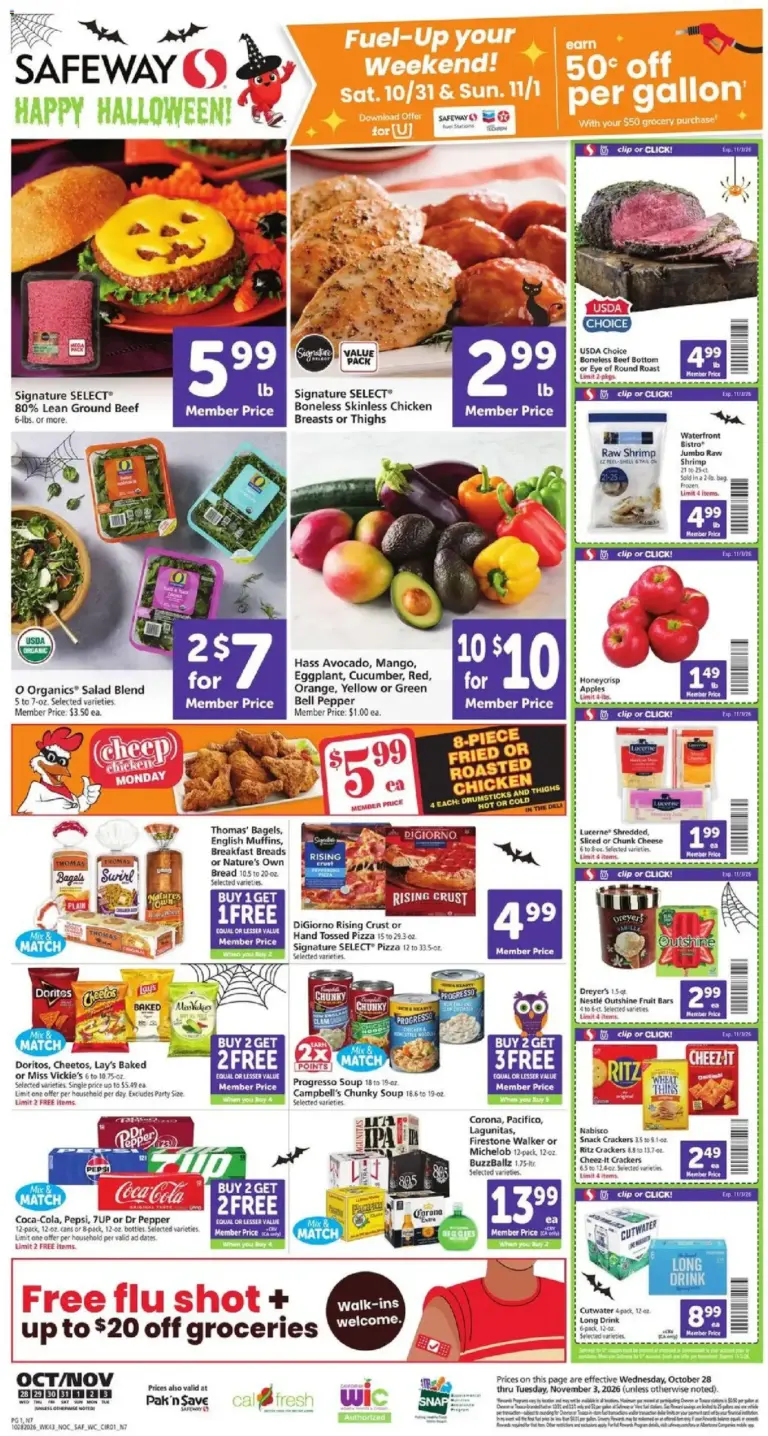
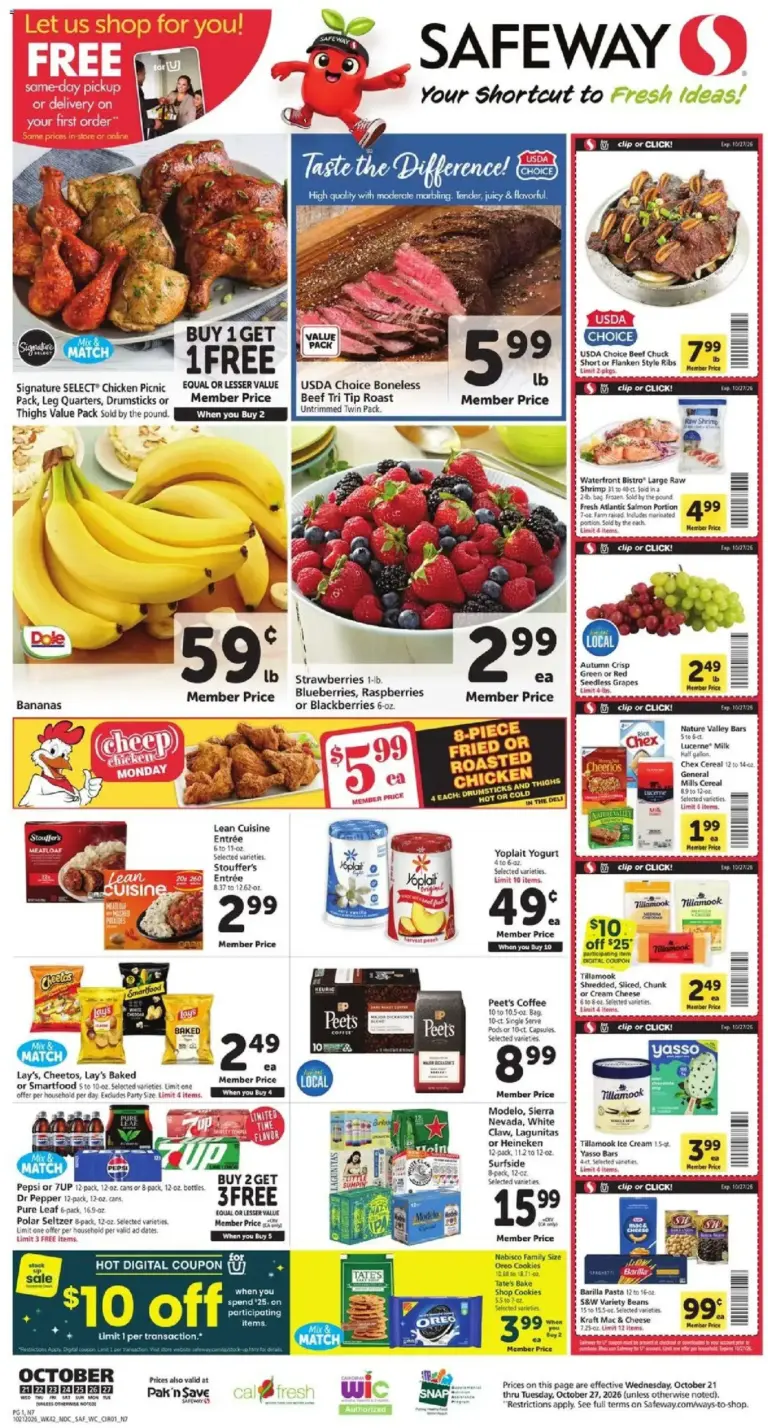
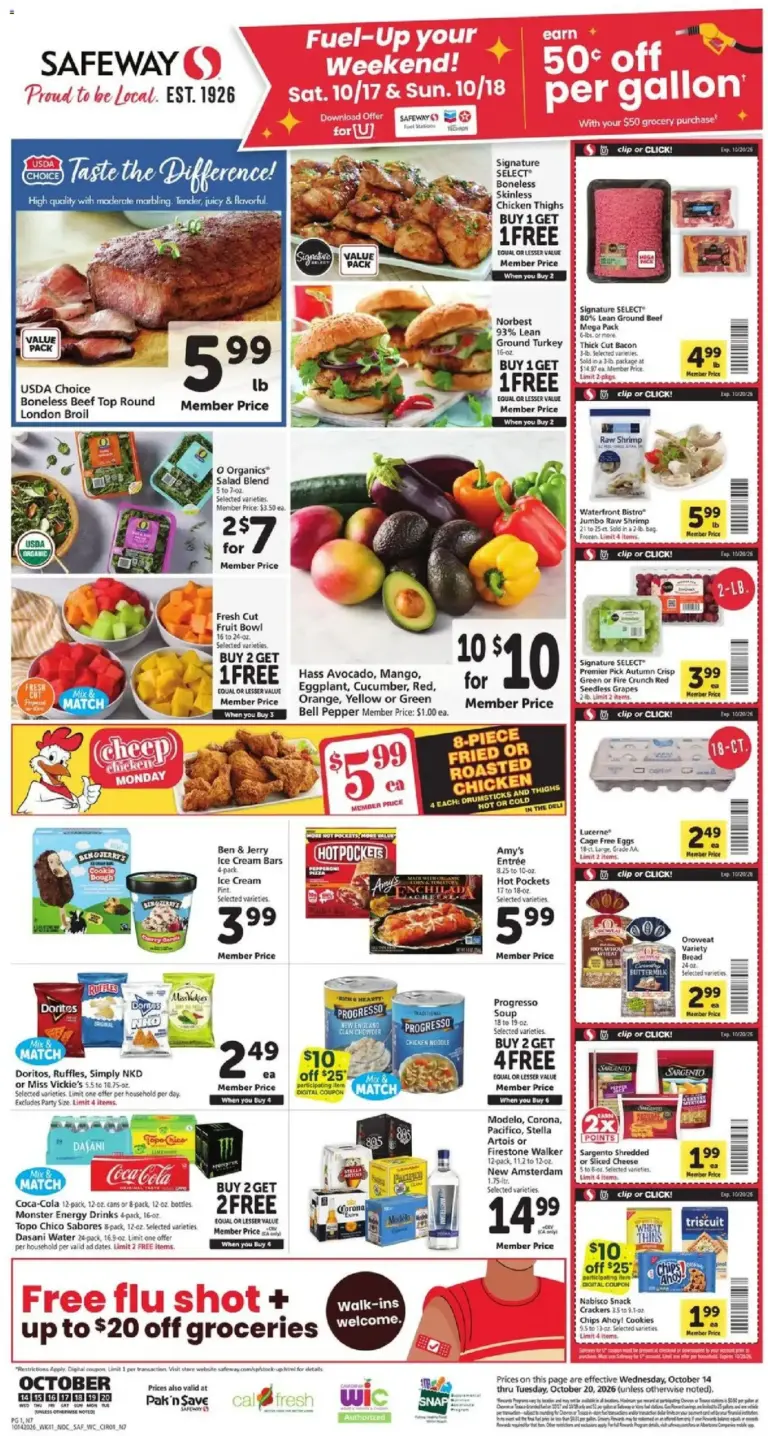
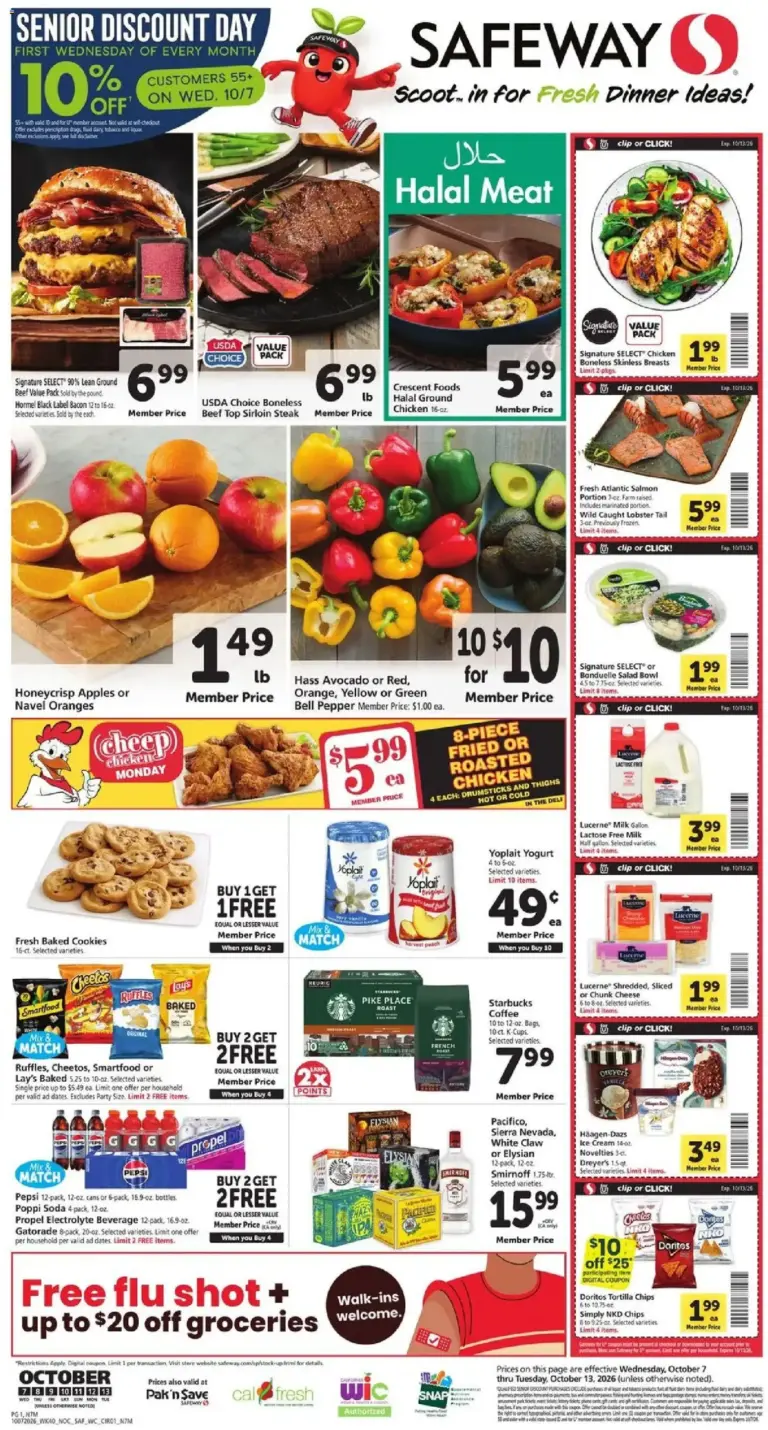
Use this page to find dated Safeway weekly ad and circular posts in one place. Start with the newest post when planning a shopping trip, then use earlier flyers as an archive of past promotions. Each post is tied to a stated promotion period, so the date range is the first detail to check before relying on an offer.
Read the Safeway Ad by Its Promotion Dates
A flyer’s start and end dates show when its advertised promotions are intended to run. Review both dates carefully, especially when an ad overlaps with a new weekly posting or when you are viewing a previous circular. A current post is the most recent dated ad shown on this category page; archive posts document earlier ad periods and may no longer be valid.
What to Look for in a Weekly Circular
Safeway ad posts may feature grocery planning categories such as fresh produce, meat and seafood, dairy, pantry staples, snacks, beverages, and household or cleaning items. Browse the pages with your shopping list in mind, noting the product description, size or quantity, and any stated purchase requirement. This makes it easier to compare the advertised offer with the item you intend to buy.
Check Offer Details Before Shopping
Read the terms printed with each promotion, including dates, qualifying products, quantities, and any digital coupon, loyalty, or other eligibility condition. An advertised deal can have specific requirements that affect the final saving. If the circular refers to a digital offer, confirm the relevant details through the applicable Safeway account or store process before checkout.
Use Current and Past Safeway Flyers Confidently
Newer circular posts are useful for building a timely list, while past posts can help you recognize seasonal promotion patterns and keep a record of earlier offers. Promotions, participating items, and store selection can vary by location, and products may not be available at every Safeway store. Confirm the ad period and local availability with your selected store before making a special trip.